
- Stock: In Stock
- Manufacturer: CAMBRIDGE UNIVERSITY PRESS
- Weight: 0.85kg
- ISBN: 9781108951821
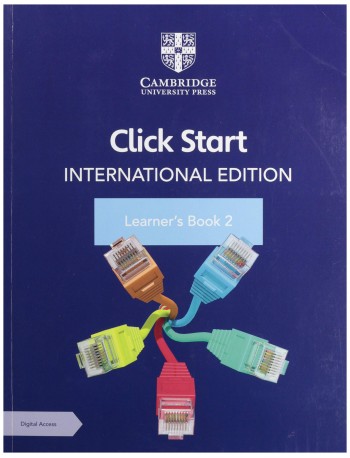
Packed with write-in activities, this learner’s book introduces learners to input and storage devices, builds their understanding of Microsoft Paint and gets them started with Microsoft Word. Step-by-step instructions and clear pictures support learners through each unit, while project work writing a series of instructions for MS Word, helps them apply their knowledge to practical activities. You can also access additional activities and resources including slide shows, videos and interactive self-marking questions in the accompanying digital resource.
‘Snap Recap’ and learning objectives at the start of each unit help you assess your learner’s prior knowledge and focus on what they will be covering
Activities at the end of each major topic provide opportunities for learners to use their analytical skills
‘Quick Key’ and ‘Try This’ features offer relevant short cuts and useful tips
‘You Are Here’ provides a quick summary to consolidate learning
‘Lab Work’ activities and ‘Project work’ give learners the chance to apply concepts through practical exercises
‘Who am I?’ includes short biographies to inspire learners
Table of contents
- 1. Know your computer
- 2. Working with Windows
- 3. Applications of a computer
- 4. The keyboard and the mouse
- 5. Fun with Paint
- 6. Introduction to MS Word 2010
- 7. Sample paper.
Click HERE to see sample pages